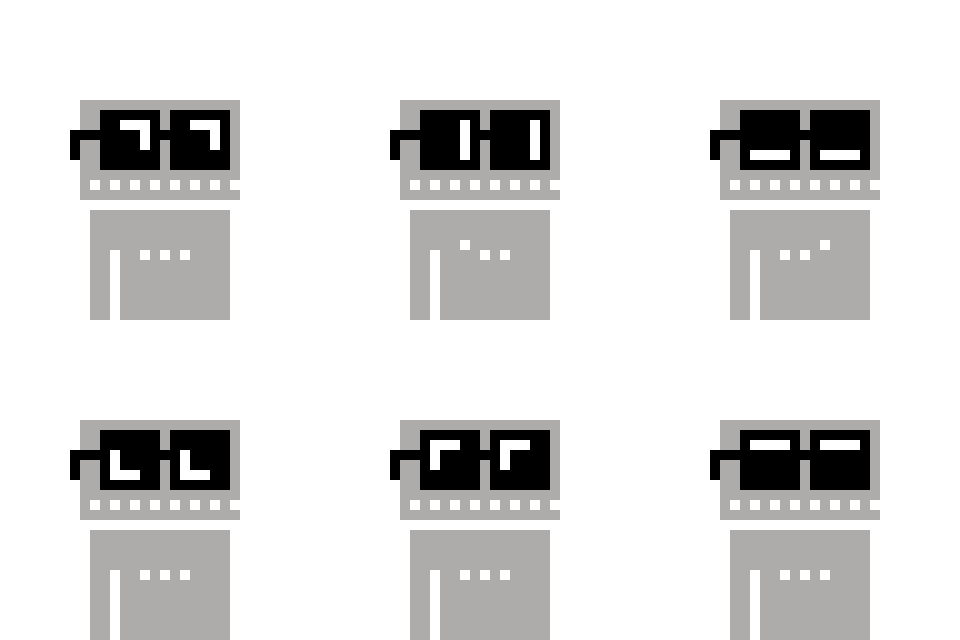


Bringing somebody onchain is now as simple as taking a photo.
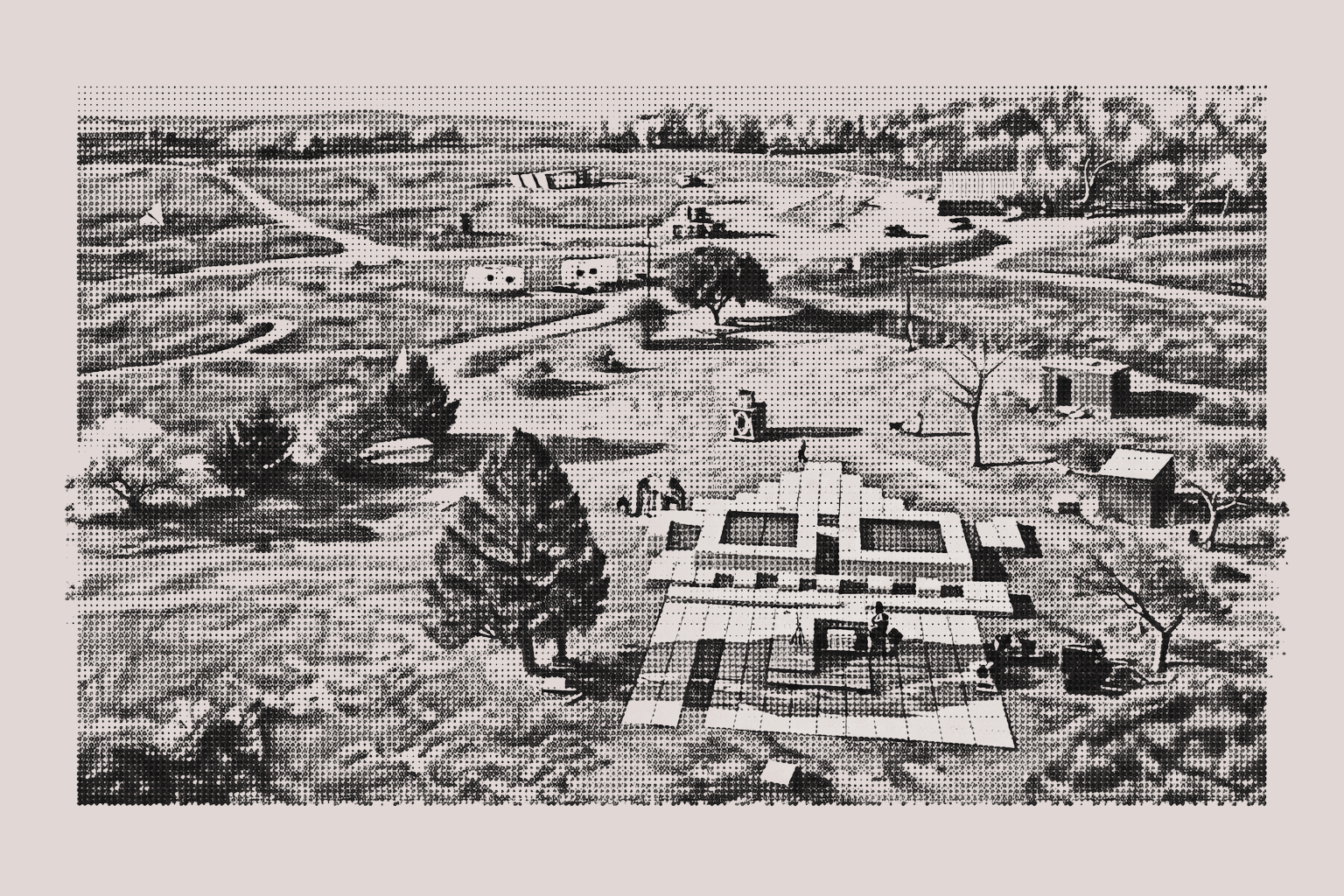
Introducing the G.N.O.M.E. Camera — a simple, memorable way to turn a IRL photo into an onchain onboarding experience. Just snap a picture and everything happens quietly in the background. A wallet is created and the photo is minted to it automatically. The recipient receives a unique digital collectible from the moment, and a way to access it.
Want to mint photos directly to your own wallet? You can do that too, in a single click.
 Try it now >
How It Works
Open & Connect
Connect your wallet to the GNOME app.
Choose Camera Mode
Choose from one of three camera modes.
Capture a Moment
Click the camera icon and grant access to use your device's camera. Take a picture and if you're satisfied, click 'mint.' The photo is uploaded and stored forever to IPFS and minted to a new wallet, or your own, depending on the camera mode selected.
Share The Memory
Share the memory by letting the recipient scan the QR code, or collect the physical print, which contains information on how to access the digital memory. If you chose to mint to your own wallet, it will appear there.
Turn any phone into a GNOME.
Use the GNOME app to turn your phone into an onchain memory engine. Snap pics and easily share with and onboard friends or send them to your wallet to capture the moment forever.
Use the App >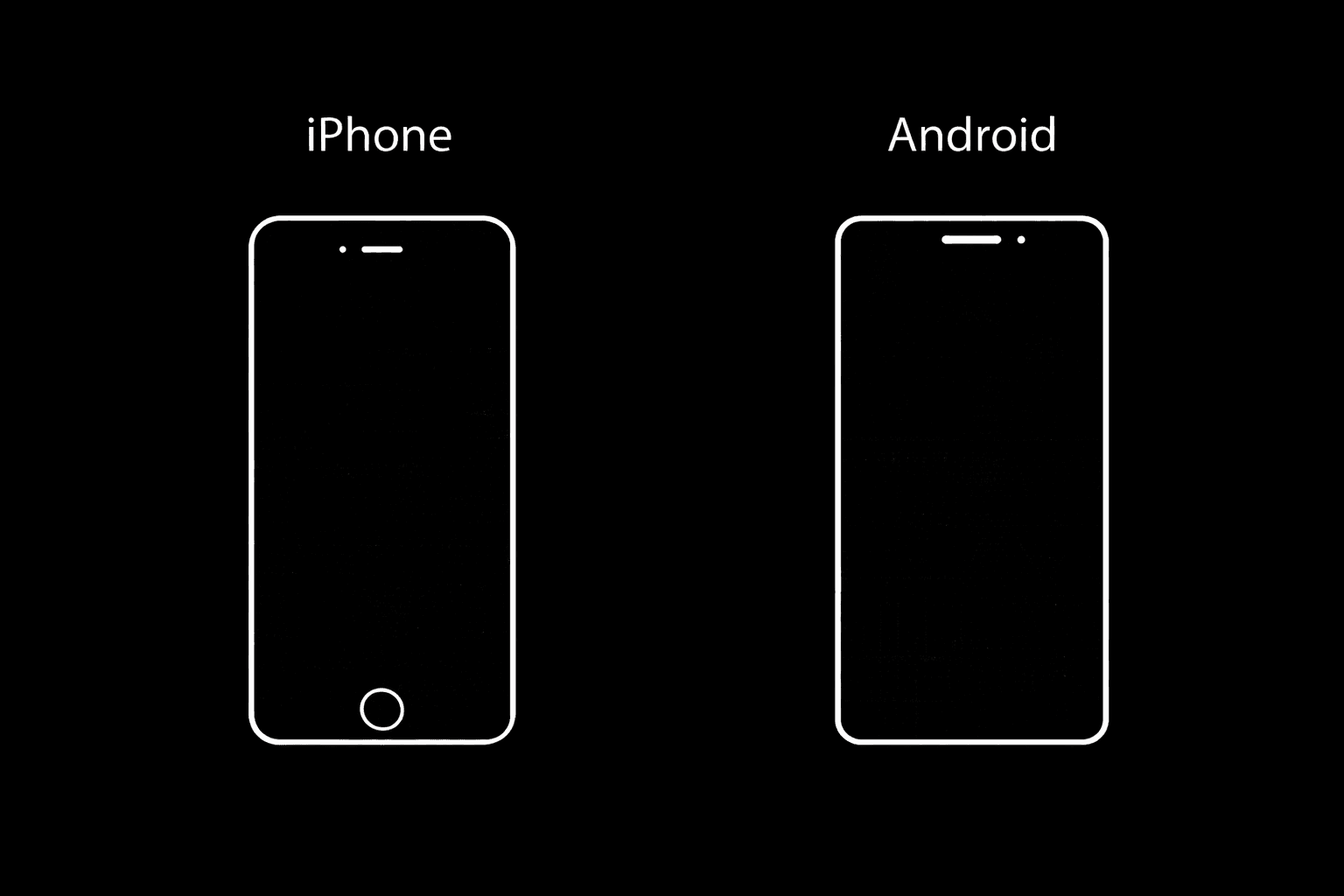
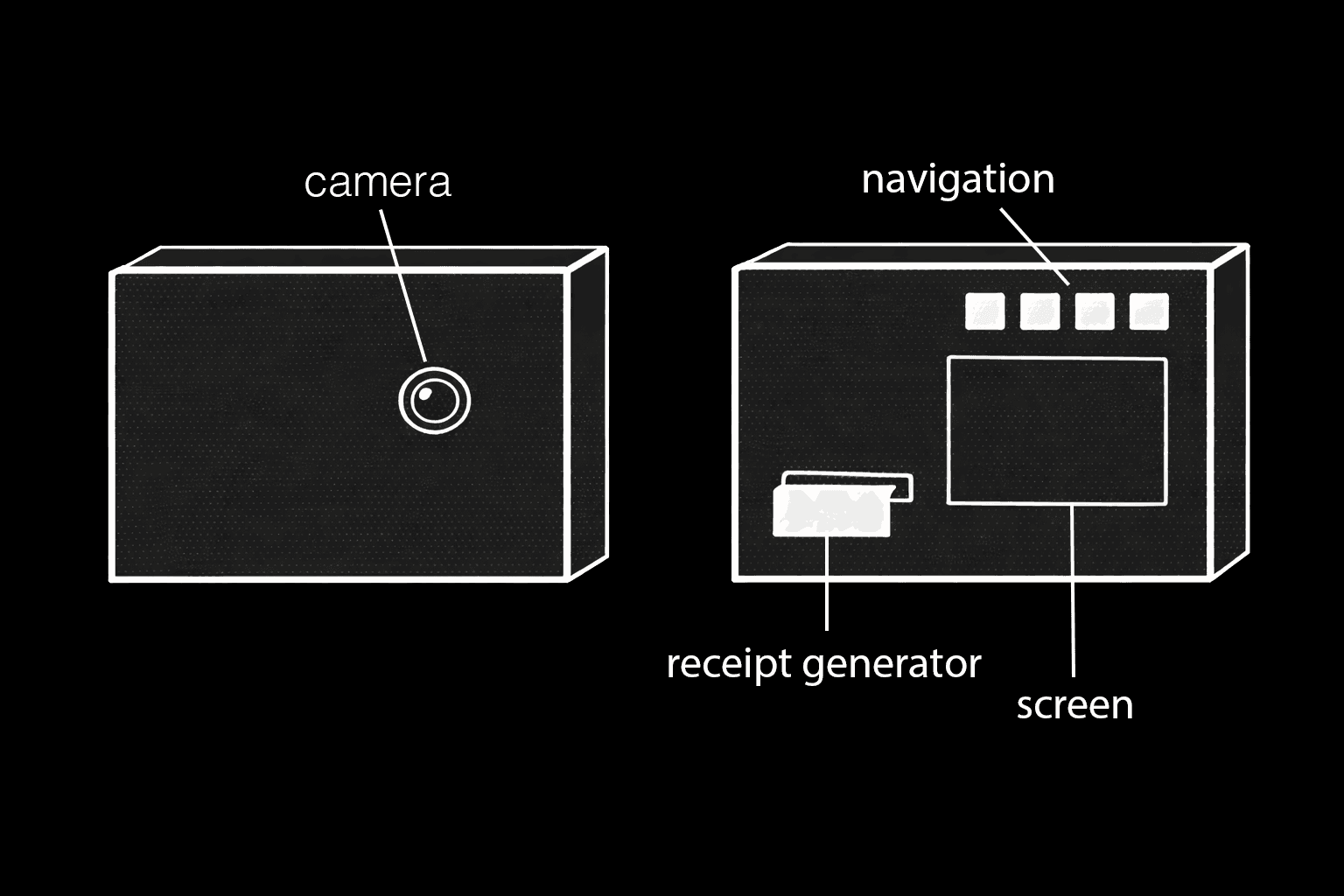
Physical GNOME Prototype
Learn more about the physical G.N.O.M.E. Camera prototype, and help us bring it to life. Pre-order's coming soon.
Learn More >